
AI Explainer Videos
Short videos that show clearly how your product, software or process works, made with AI.
Start an explainerWhat an explainer does

An explainer works when the audience can follow it. That depends on what you leave out, how you structure the information, the comparison you choose and the pace of the story. AI makes the visuals faster; those decisions still take experience.
Script and storyboard first

We start by deciding what the viewer needs to know and in what order. The script is approved before any visual work begins. Then generated frames show how the explanation unfolds, and every visual is agreed at the storyboard, before full production.
Film once, set it anywhere

For presenter-led and training explainers, we film once in any quiet room, then change the presenter’s look and place them in the right setting. Useful when the same explanation has to work across several markets or audiences.
Animated, generated, or both
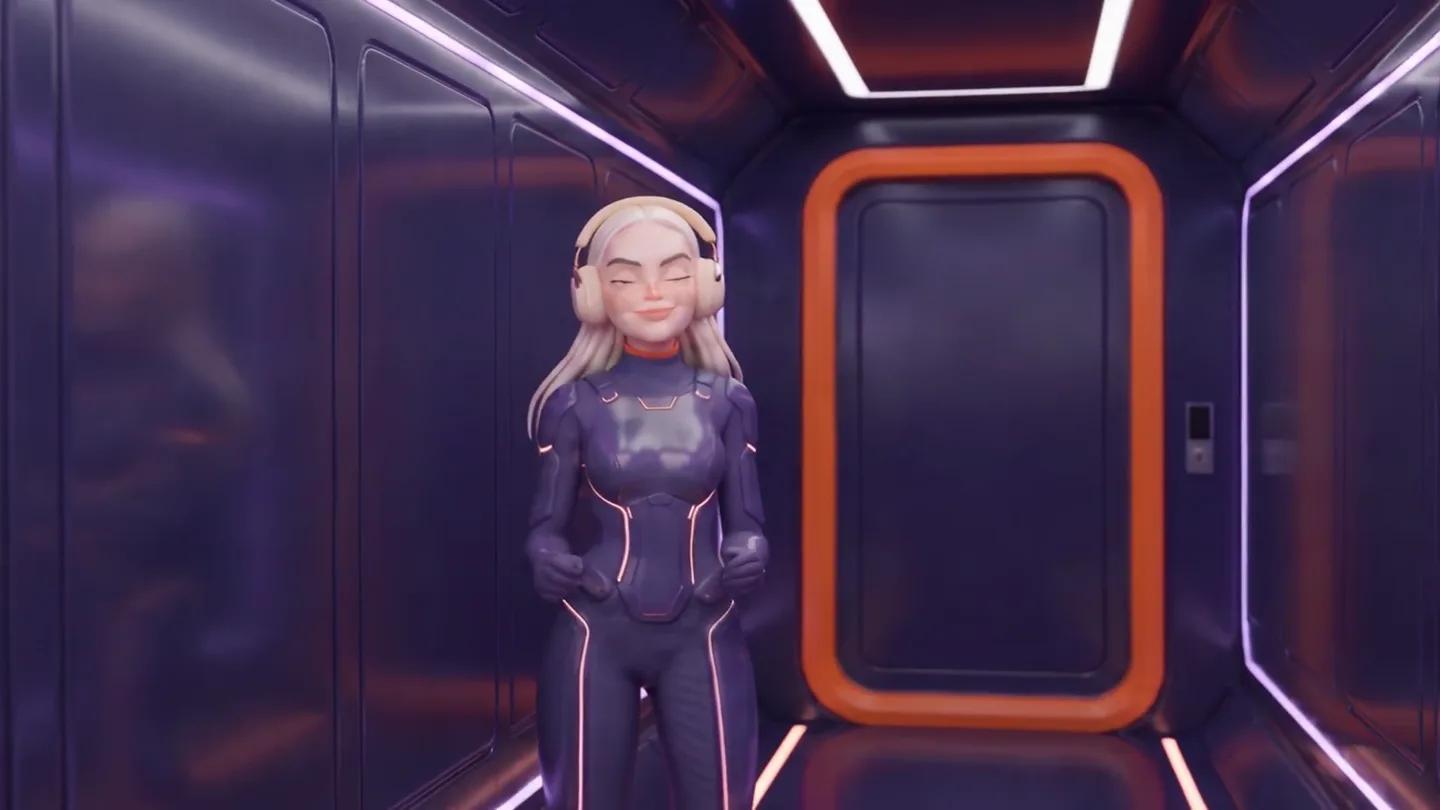
Some explanations want generated scenes. Others want typography, interface animation, diagrams or clean 2D motion graphics. Physical products and devices are often clearest in 3D. We mix them to suit the subject, rather than force every idea through one tool.
Where explainers are used

Anywhere something needs to be understood quickly and the same way by everyone:
- Product and service explainers
- Software and SaaS
- Process and technical videos
- Training and education
- Features and onboarding
- Internal and policy communication
Questions
Yes. We work from your approved material, and you check the facts before delivery.
Yes, from scratch or from your draft.
Yes. 2D, motion graphics, diagrams and typography wherever they explain better.